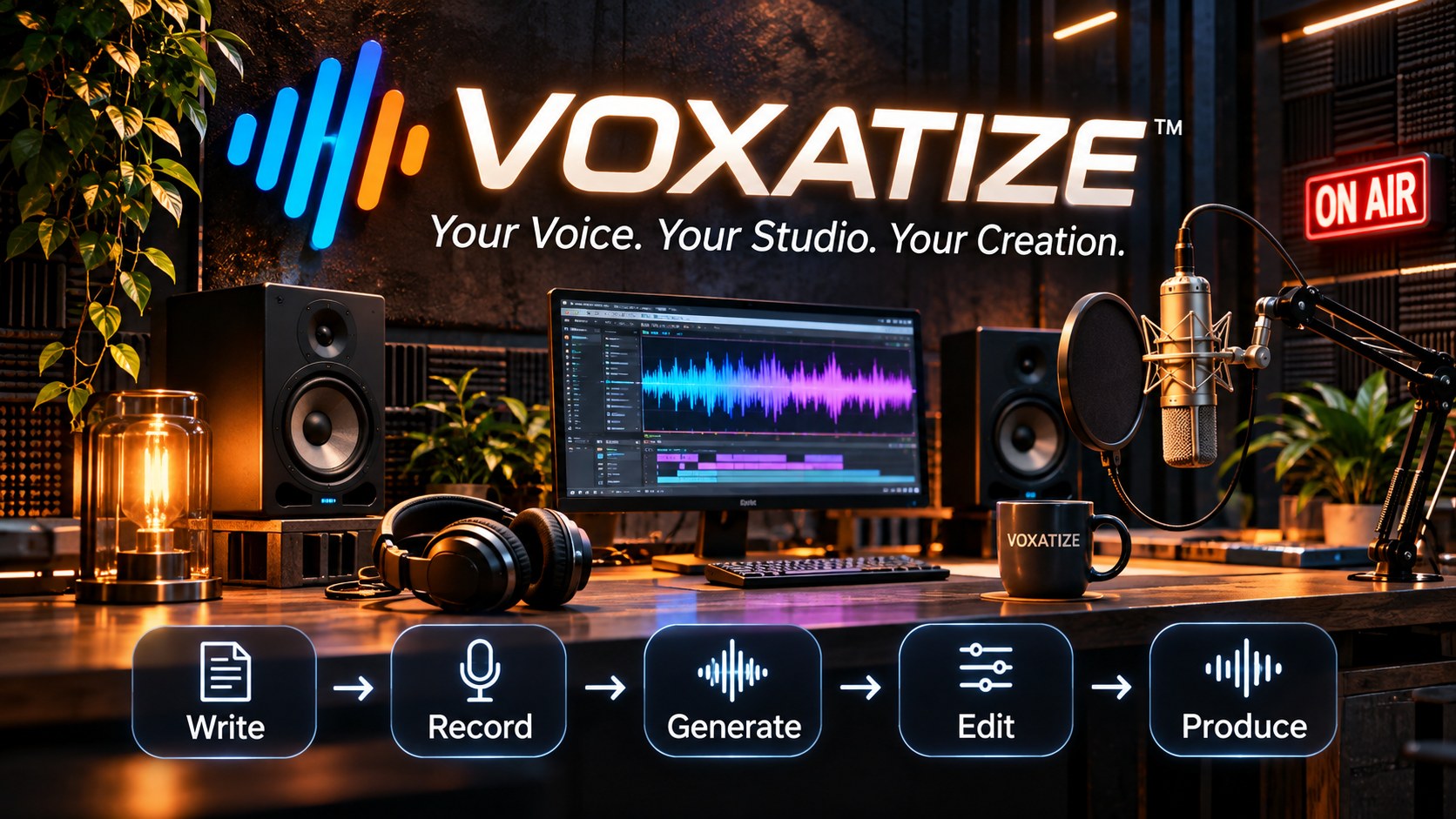
Voxatize: your voice, your studio, your creation. An AI narration studio: write, record, generate, edit, produce.
Voxatize is coming soon for Windows. Write to us and we’ll tell you the day it opens.
How it works
From a script to a finished narration, in five steps
Built for long-form narration: bedtime stories, audiobooks, courses, guided sessions. You stay in charge of every line.
- WRITE
Paste or open your script. Voxatize finds its parts, counts the words and minutes, and keeps your [pause 3] marks to the second.
- RECORD
Record your own voice with the built-in microphone page. Twenty calm seconds are enough to make a narrator that sounds like you.
- GENERATE
Pick a narrator and the pace, then press one button. The whole story is narrated part by part while you do something else.
- EDIT
Listen line by line, keep the best take, record any line again, and let Voxatize check that every word was said.
- PRODUCE
Add fades, a soft background sound and broadcast loudness, and export a studio master and a small file ready for any app.
Everything runs on your own computer. Your scripts and your voice never leave it.
Features
A real studio, not a text box
Natural narrators
Calm, warm voices in English, French and Spanish, made for listening for half an hour, not for reading out a notification.
Your own voice
Make a narrator from a short recording of yourself, or of anyone who has given you their permission. Voxatize keeps a note of that permission with each voice.
Every word checked
After each line, Voxatize listens back and flags missing or invented words, so a slip never ends up in the final file.
Two voices for dialogue
Words in quotes can be read by a second voice, while the narrator keeps the rest of the sentence.
Takes you can compare
Every new recording of a line is kept. Play them side by side and keep the one you like.
Private by design
No uploads and no cloud voice service. The voice engines run on your graphics card.
Pricing
Two ways to use Voxatize, depending on your computer
The full voices need a strong NVIDIA graphics card. If your computer has one, everything runs on it. If not, the full voices are made for you in the cloud and you pay only for what you narrate.
With an NVIDIA graphics card
Voxatize Studio
At launch: free for 3 days, then $4.99 a month. The subscription renews automatically every month until you cancel; cancel before the 3 days end and you pay nothing.
- Every voice, generated on your own computer
- Narrators made from your own voice
- Unlimited narration, projects and exports
- Your scripts and recordings never leave your computer
Needs: Windows 10 or 11, an NVIDIA GeForce RTX card with at least 8 GB of graphics memory, about 20 GB of free disk space.
Without an NVIDIA graphics card
Voxatize Cloud
Prepaid narration packs: the full voices are generated on our servers, and you pay per finished minute. No subscription. Prices are announced at launch.
- The full voices on any Windows computer
- A few light English voices free, made on your own computer
- System errors and lines the word check finds faulty are re-made free
- Owners of an NVIDIA card can buy packs too, for faster batches
Needs: Windows 10 or 11 and an internet connection while narrating.
Both are coming soon. Tell us which one fits your computer and we’ll write when it opens.